When fine tuning tabs presentation options and grouping rules, it is very convenient to immediately preview results. Current preview facilities are helpful, but don’t fully show how actual document tabs will look, forcing us to save options, look at actual tabs and open the options dialog again. To provide a better experience, I’ve added real tabs preview visible from all option pages and containing a snapshot of actual tabs:
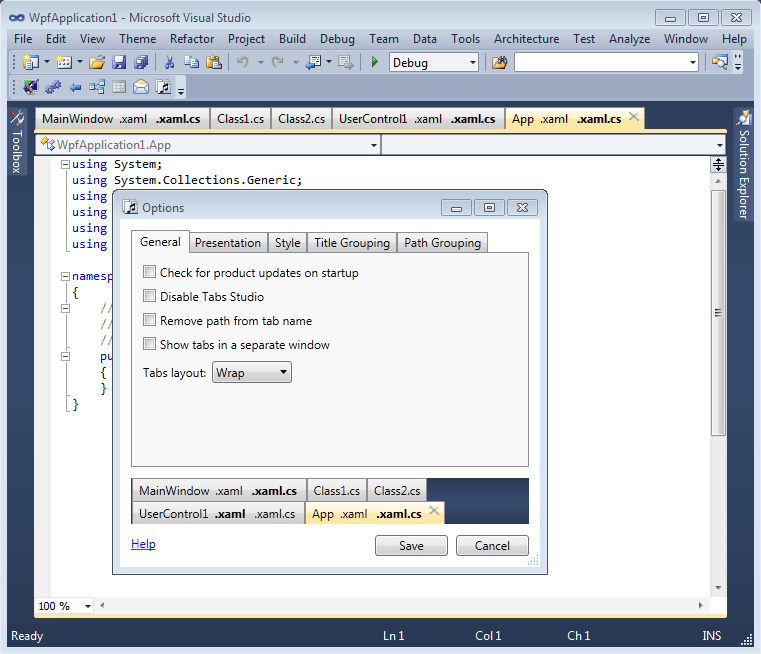
Real tabs preview
All presentation and grouping options are immediately reflected in the preview. To maximize effect, for the
Stack layout preview goes to the right:
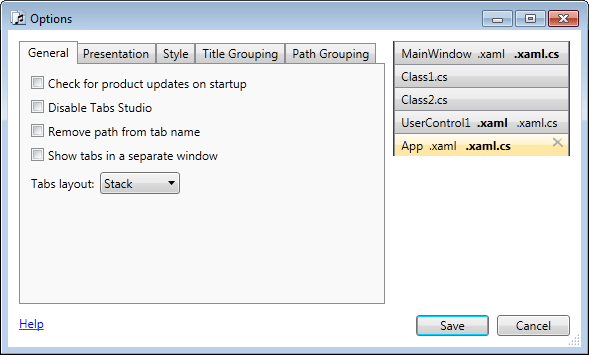
Stack layout preview on the right
Document path tooltips are now available in a preview to provide necessary information while setting path grouping rules:
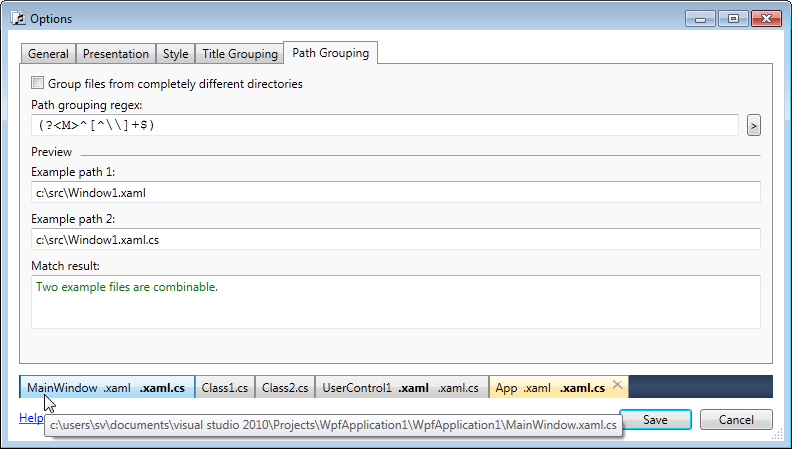
Document path tooltips in a preview
In VS 2010 the background for tabs preview now matches the background of Visual Studio environment, making transparent tabs (like those provided by
Jameel Al-Aziz’s Visual Studio 2010 theme) look natural in the preview:
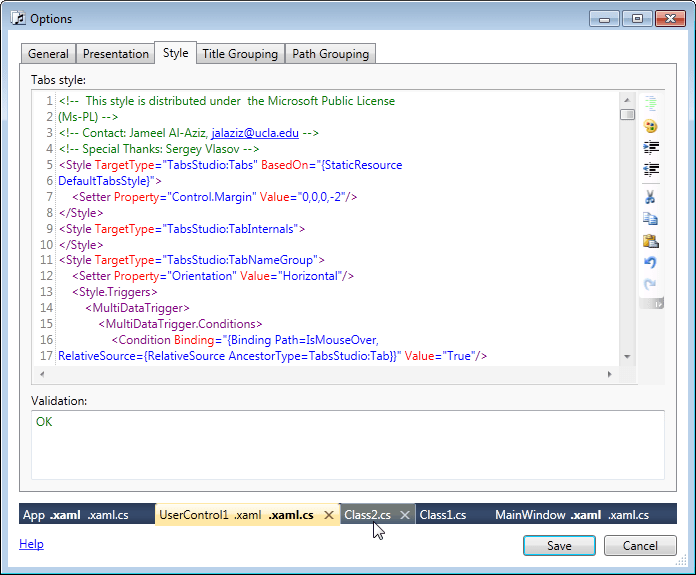
Transparent tabs preview on the system background color




 Tabs Studio Blog (organizing Visual Studio document tabs)